OstlerTech
TRTürkçeENEnglish
Get SyncPassSyncPass Desktop · Windows
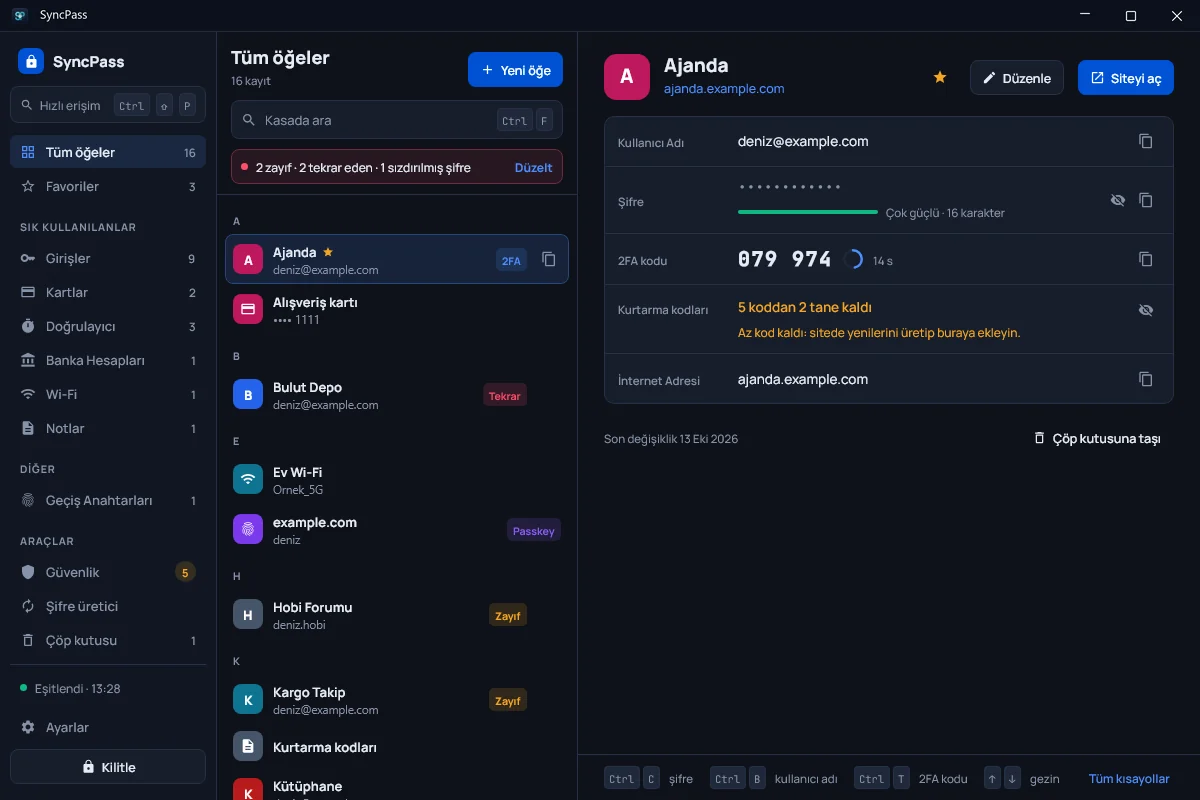
The same vault on your computer.
SyncPass Desktop uses the same encryption and vault format as the Android app. Your vault stays encrypted on your computer; we keep no copy of it on our servers.
Get it from Microsoft StoreDownload the installer (.msi)Version 1.4.15 · 141 MB · Windows 10 (2004) or Windows 11, 64-bit
To fill sign-in pages in your browser: Add to Chrome → The extension stores no passwords; items are filled from SyncPass Desktop running on the same computer.
If Windows shows an "unrecognized app" warning when you install the .msi file
Because you download the installer directly from this site, Windows SmartScreen may show a warning. You can continue with More info → Run anyway. You can verify the file by comparing its SHA-256 hash:
295a69095fb2b48c3687c286f7bcf517e8d55d915d3d904841a5bc80f8241423All versions: release notes. SyncPass Desktop is also available on Microsoft Store.